
How to REVEAL blacked out text on ANDROID | UPDATED METHOD!
| [How to REVEAL blacked out text on ANDROID | UPDATED METHOD!](https://youtube.com/watch?v=AMSC1JmbE4Y) |
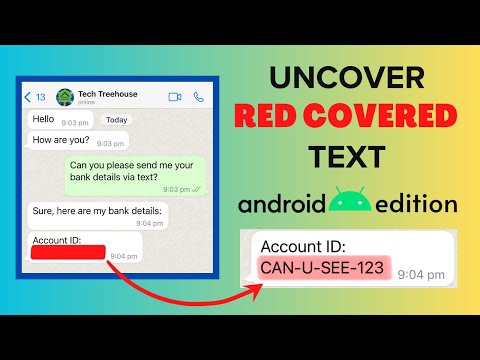
In this video, I’ll show you a simple method to uncover blacked-out or redacted text from images using the free app Snapseed. Whether you’ve come across censored content covered with black or red boxes, this step-by-step tutorial will help you reveal the hidden text easily.
📱 App Used: Snapseed (Available on Google Play Store)🔗 Download Link: https://play.google.com/store/apps/details?id=com.niksoftware.snapseed&pcampaignid=web_share
⚙️ Steps Covered:
- How to adjust brightness, contrast, and ambiance to reveal hidden text
- Step-by-step walkthrough using Snapseed’s editing tools
- How to save the edited image
⚠️ Important:This video is for educational purposes only. Blacking out text is just one method of redacting text to hide sensitive information. Some methods, such as using a black/red marker or changing font color, are not foolproof. A safer method will be using a proper redaction tool such as Acrobat and Redactable.
Don’t forget to like, comment, and subscribe for more useful tutorials!
Please Subscribe! (ITS FREE!)
https://www.youtube.com/channel/UCEnE3IjgIumrHaILp9y8uYg?sub_confirmation=1